
01 / FEATURE
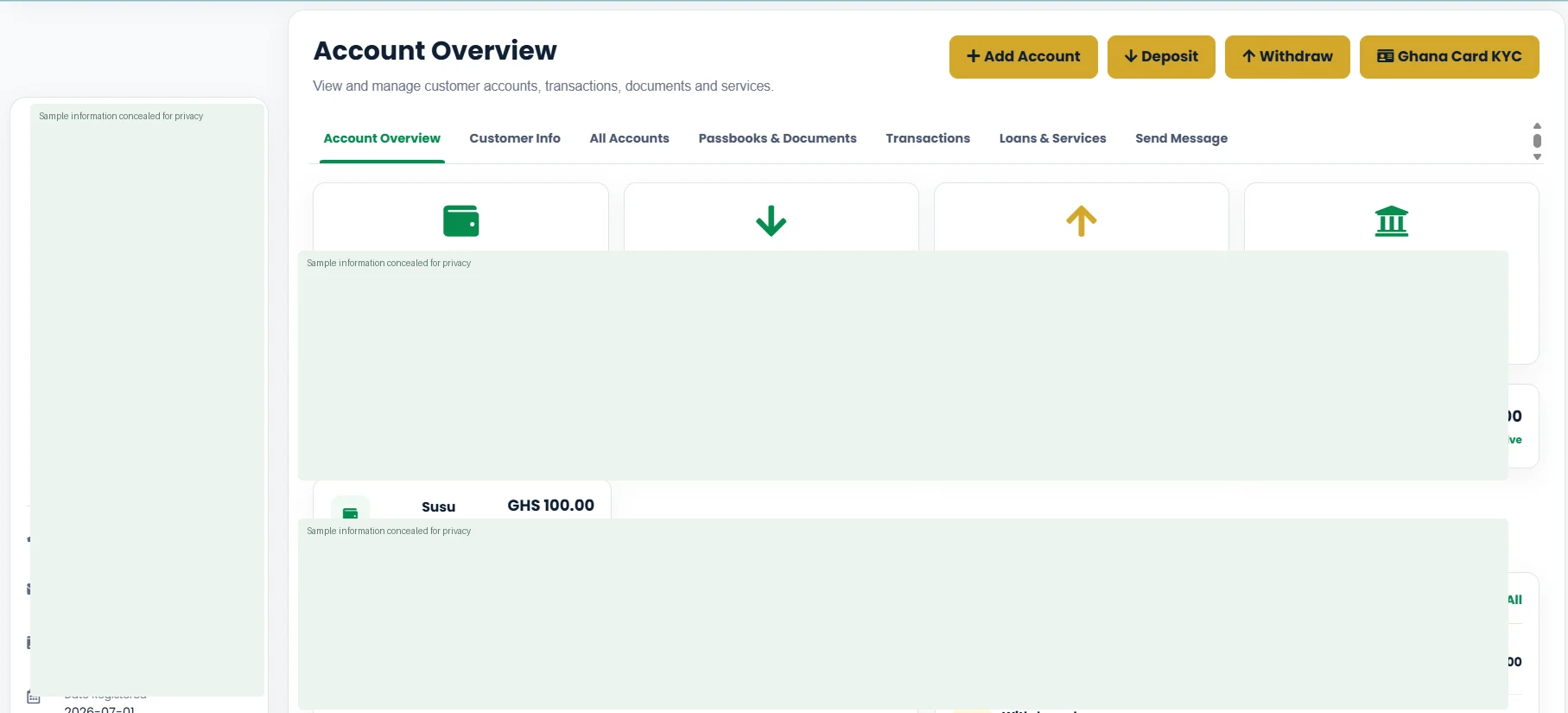
Customer & Account Management
Keep customer profiles, account details and account activity organised in one workspace.
Explore screenshotsTHE PLATFORM
Real banking workflows, shown through actual TRAVO247 interface previews.
BUILT FOR DAILY OPERATIONS
From customer onboarding to cash management and reporting, explore the tools available within TRAVO247. Features depend on your subscription and configuration.
Keep customer profiles, account details and account activity organised in one workspace.
Explore screenshots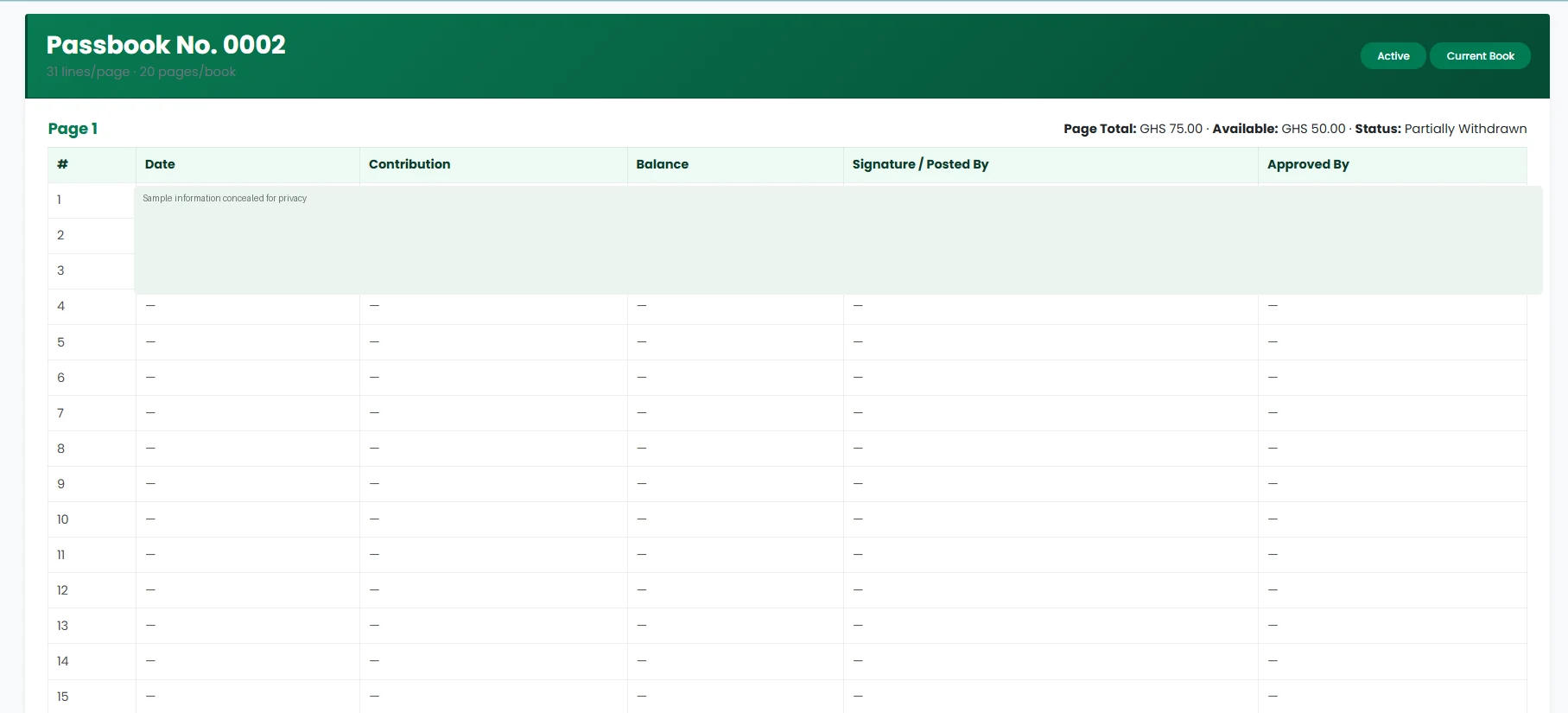
Follow numbered contribution lines and balances in a digital format that mirrors familiar physical susu passbook records.
Explore screenshots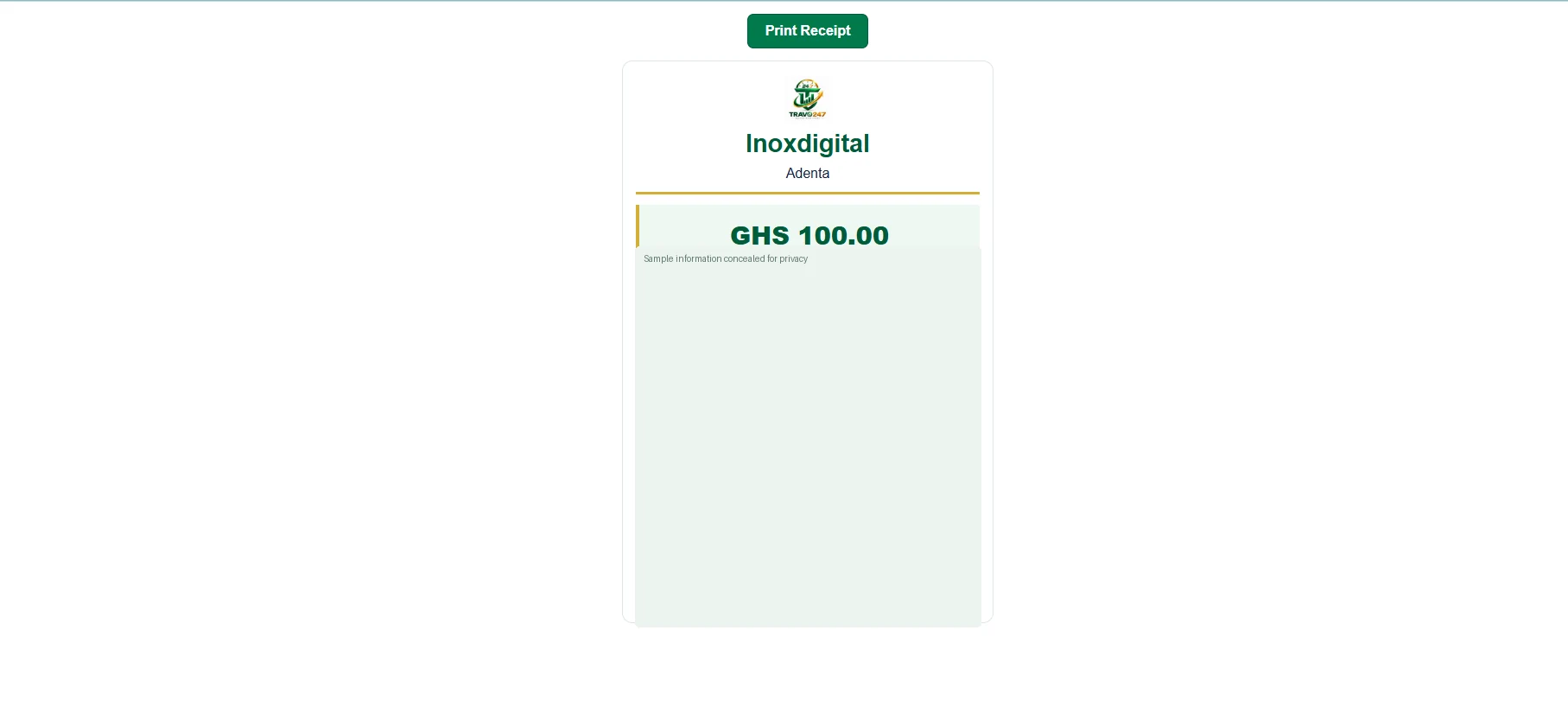
Support everyday customer transactions and generate transaction receipts within your institution’s existing workflows.
Explore screenshots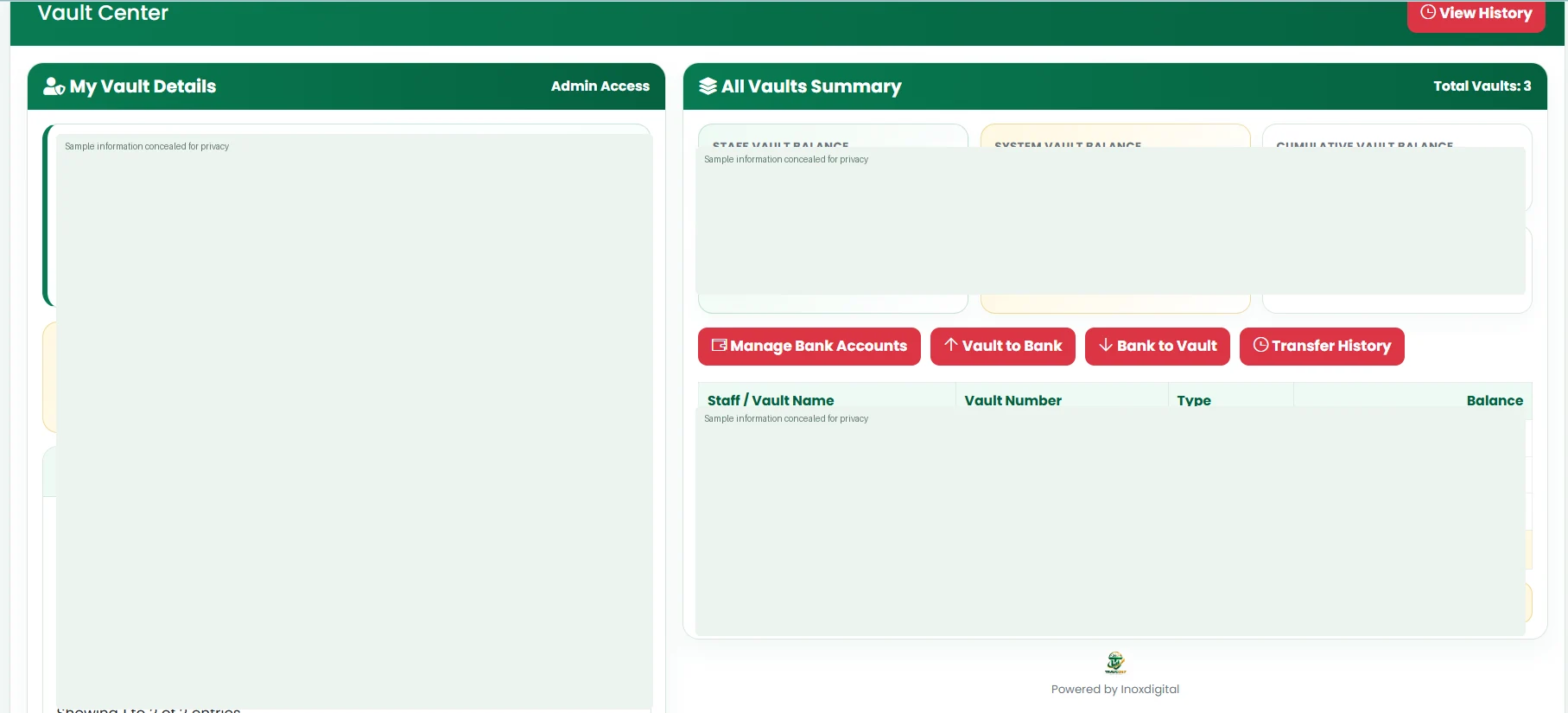
Review vault balances, cash movements and transfers in a central operational view.
Explore screenshots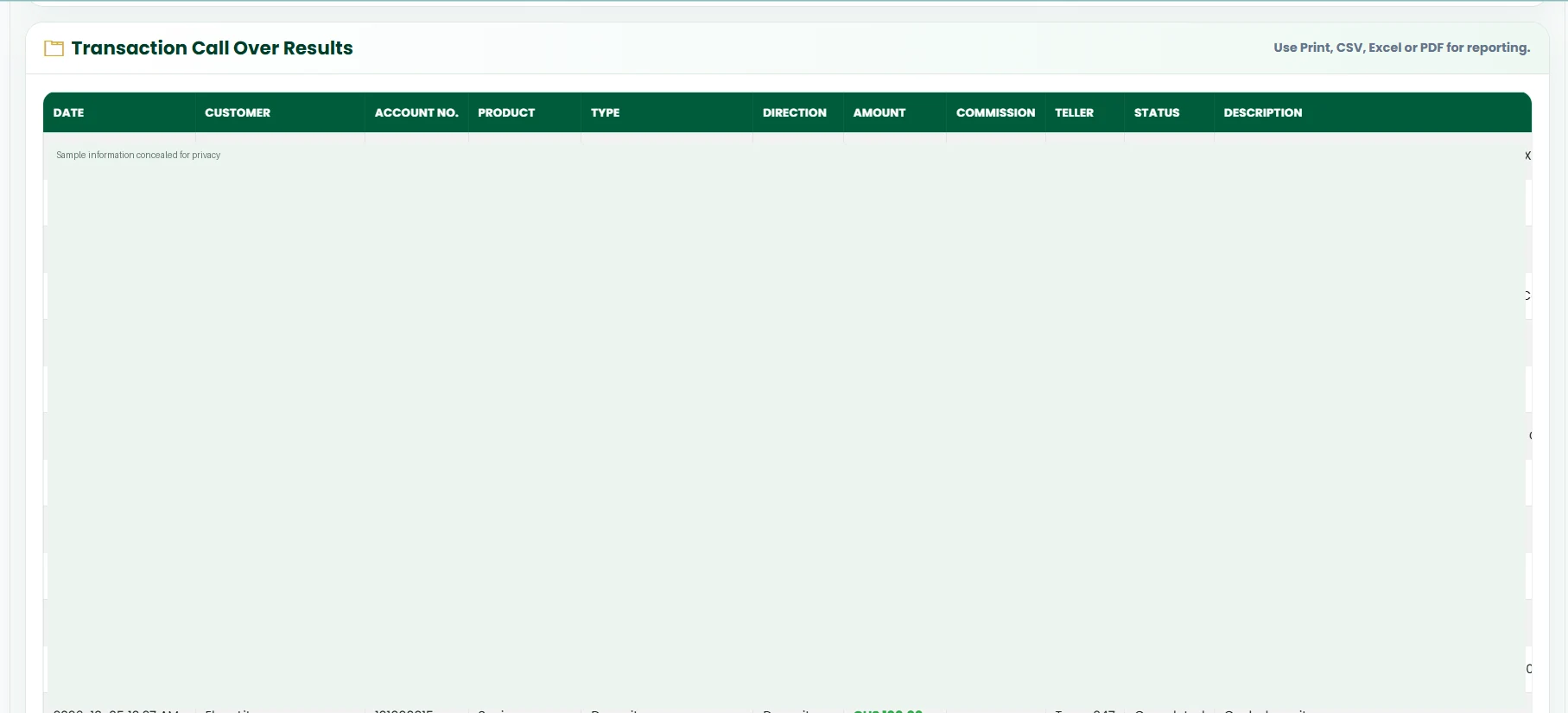
Review previous transactions for operational oversight and follow-up.
Explore screenshots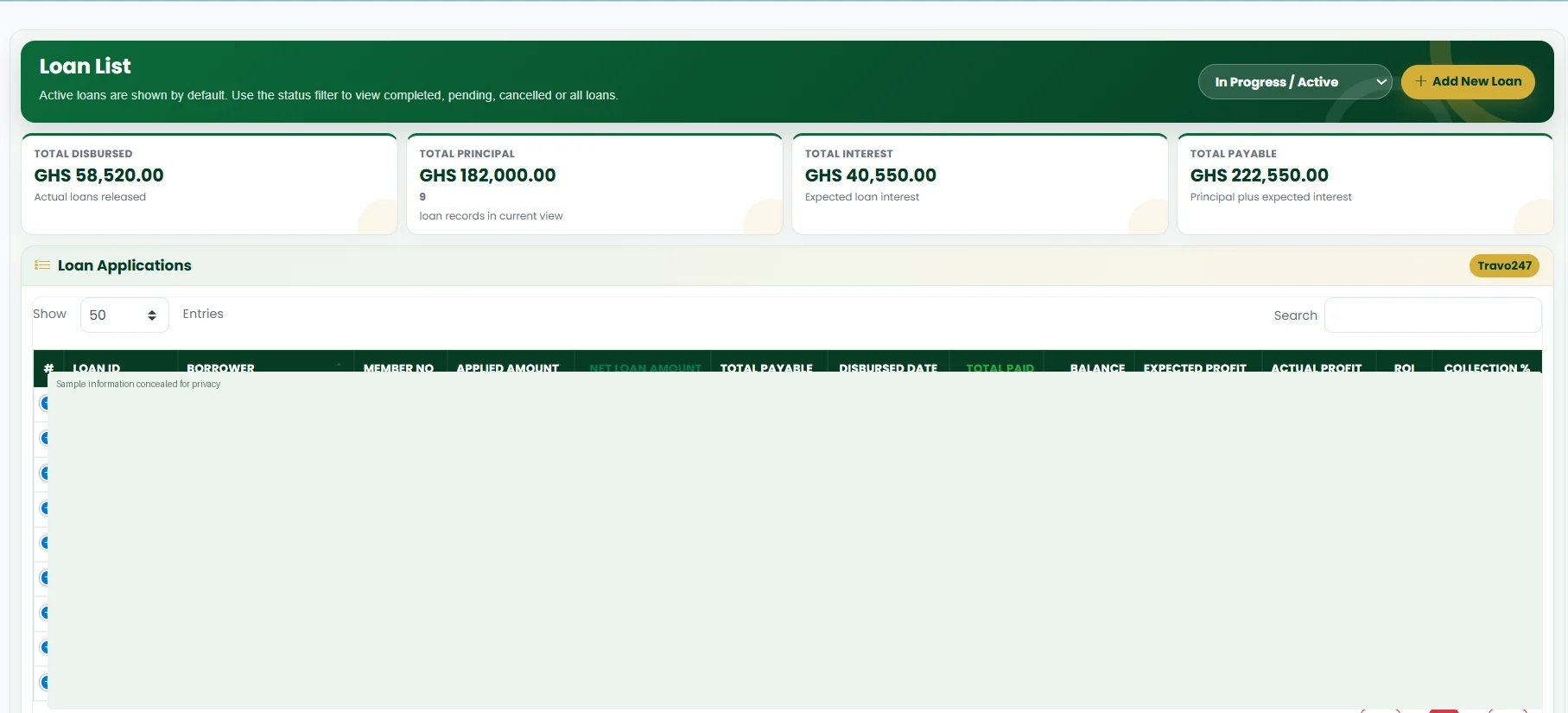
Manage loan records, track repayments and monitor your portfolio.
Explore screenshots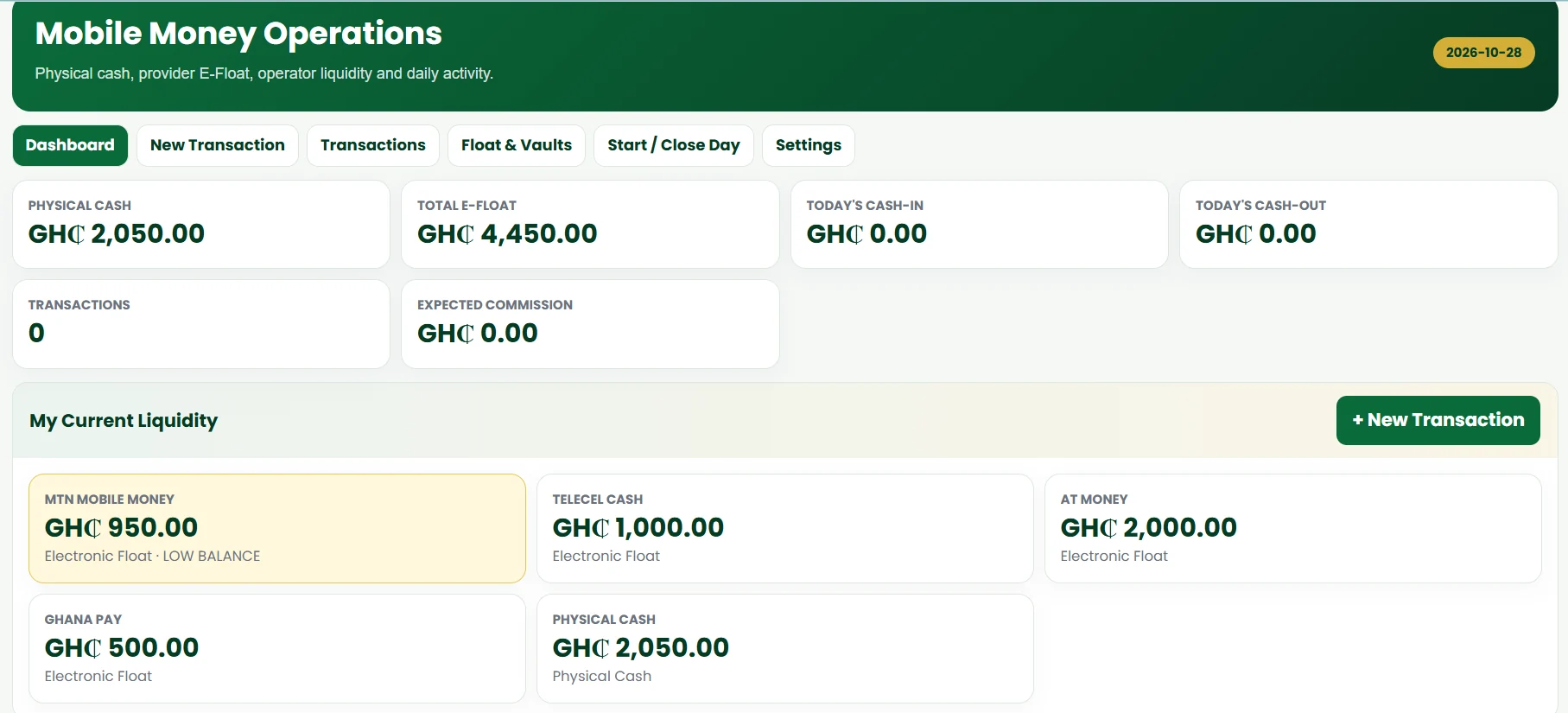
View mobile money transactions and related cash and e-float activity where the module is enabled.
Explore screenshots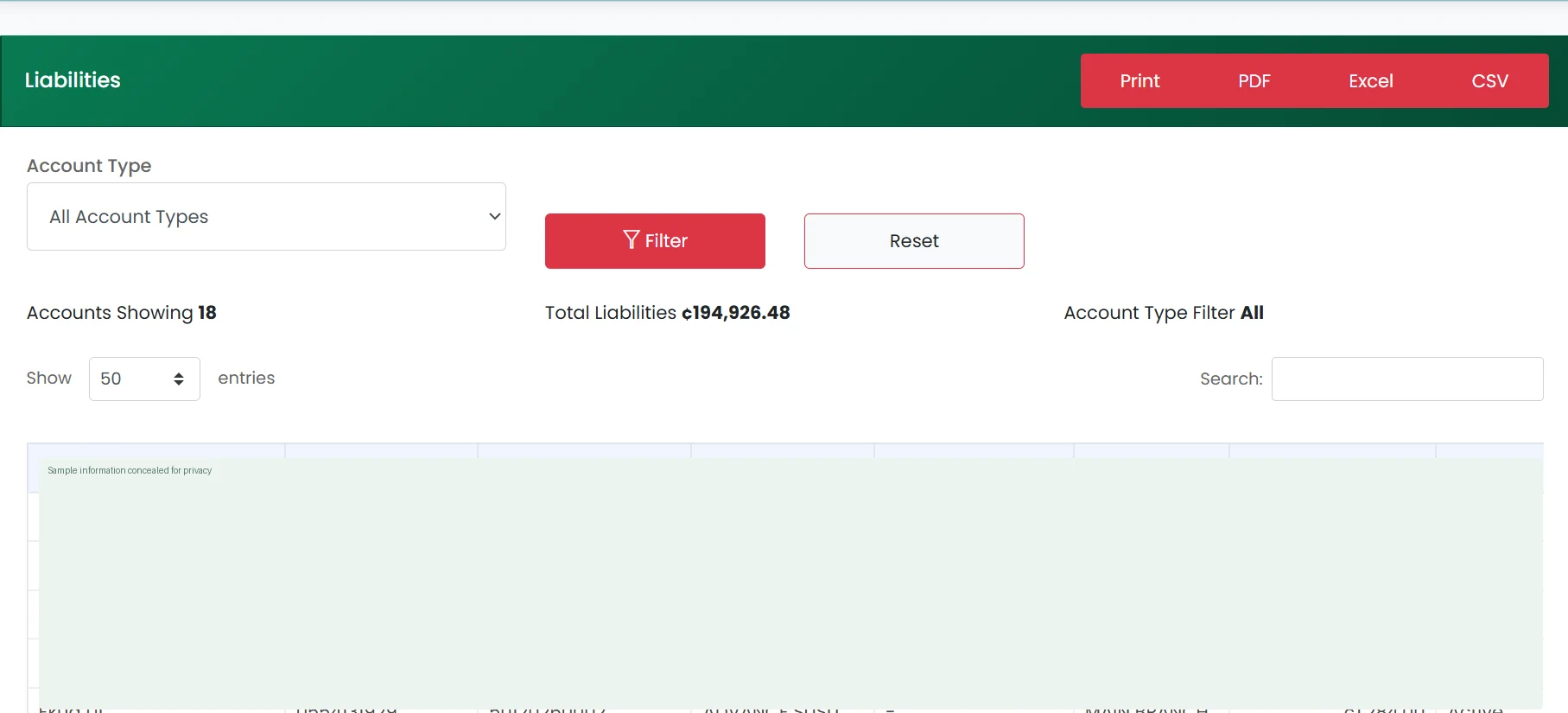
Review account balances and the institution’s customer liabilities.
Explore screenshots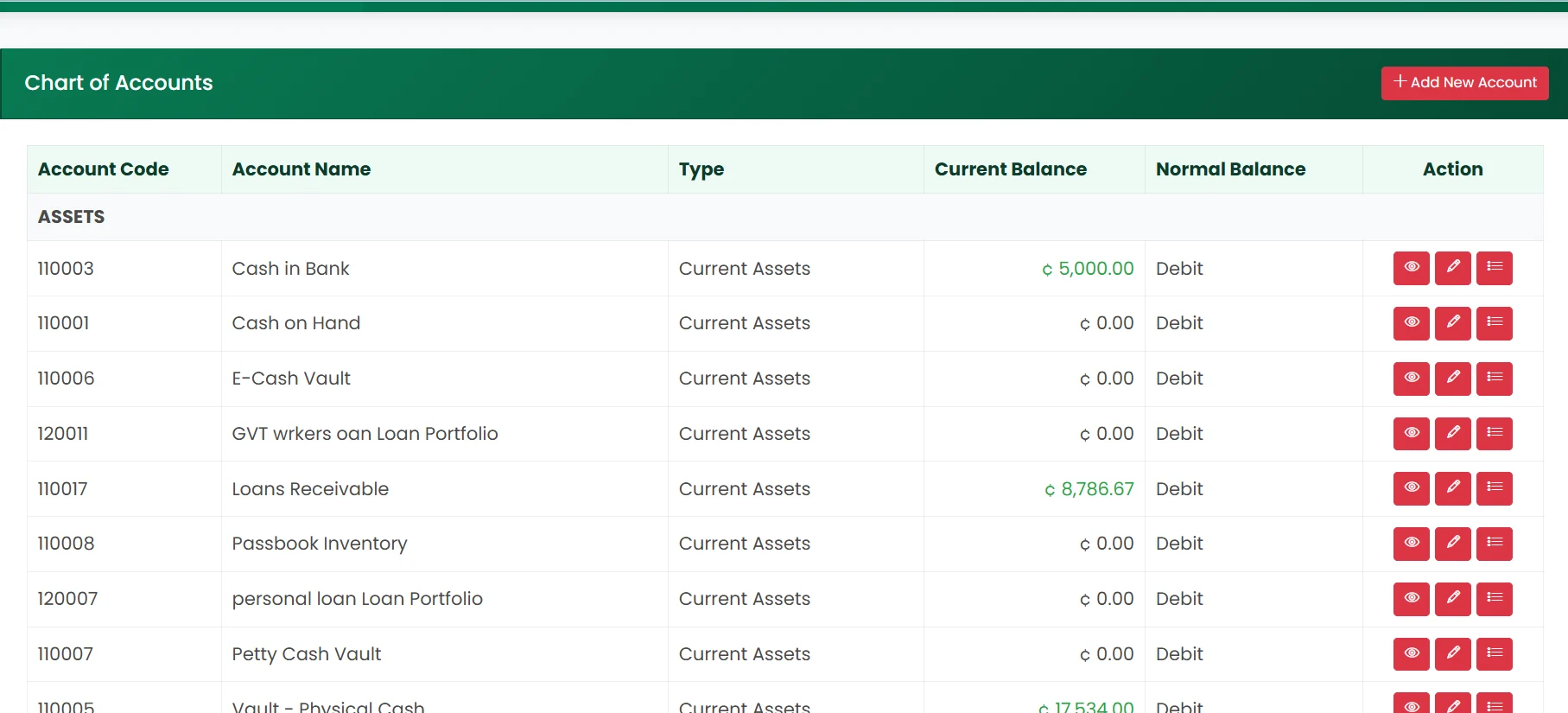
Organise accounting categories for structured financial reporting.
Explore screenshots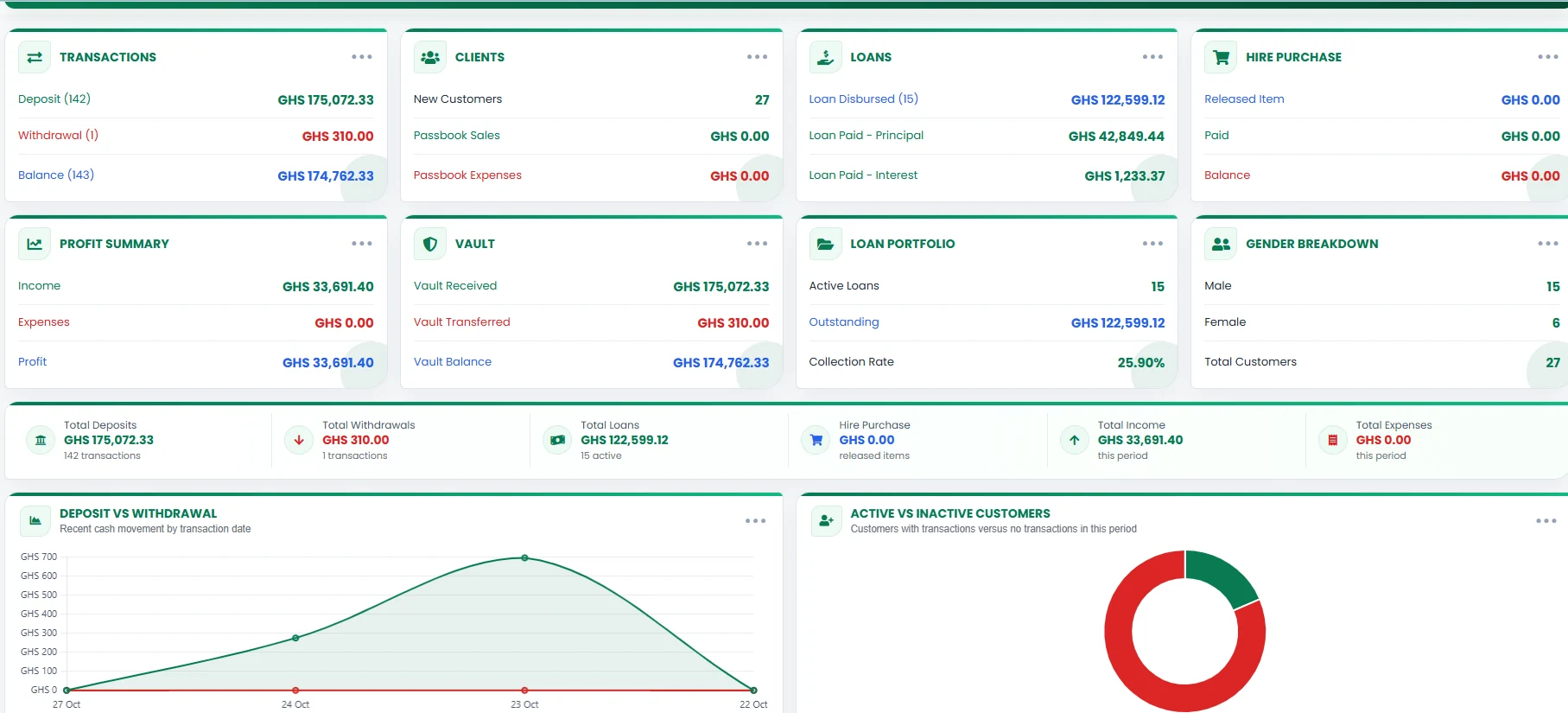
View key business activity and operational summaries at a glance.
Explore screenshotsScreenshots are illustrative previews of the TRAVO247 interface; individual modules, permissions and workflows may vary by institution.
SMART BANKING, ANYTIME
Speak with our team about your operational needs and available modules.
Register your institution or talk to our team about your requirements.